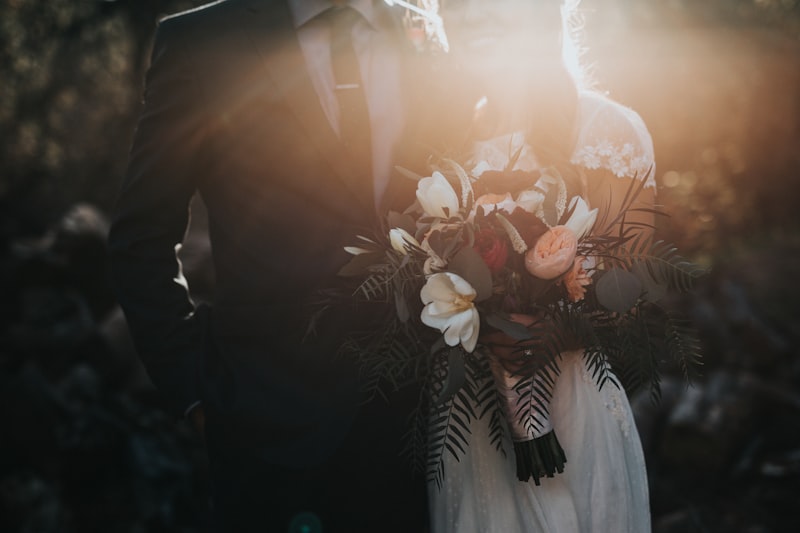
For the couple just getting started
A wedding website creator that grows as your plans do
Gather what you already know, leave the rest as placeholders, and shape a page you can keep editing until every detail is finally settled.
For the couple just getting started
Gather what you already know, leave the rest as placeholders, and shape a page you can keep editing until every detail is finally settled.
Most couples start a wedding website too late, waiting until every vendor is confirmed. The truth is a page is useful the week you set a date, not the week it is finished. So begin with what is real today: your two names, the date you have agreed on, the town, and one line about the kind of day you want. Everything else can arrive later.
Before you open anything, spend ten minutes collecting the loose facts into one note. The ceremony venue and its address. The reception spot if it differs. A rough arrival time. The names of people you expect to invite, even a partial list helps. Whether children are welcome. None of this needs to be final; you are simply giving the creator something honest to work from.
Two columns, one clear line: the details that hold the page together, and the ones that only fill space.
Date, ceremony venue, reception venue, the time guests should arrive, and how to reach you with questions. These anchor every section, so lock them before you share the link.
Meal options, the full order of the day, hotel blocks, and a registry. Write the section, leave it warm, and update it once the caterer or venue replies.
Seating plans, final photo galleries, and detailed travel notes for distant guests. They read well closer to the day and no one expects them on page one.
A first wedding often tries to include everything at once. A short map of sections keeps the page readable.
A venue moves. A start time shifts by an hour. With a paper card you would swallow the embarrassment and hope people noticed the correction. Here you change the line once, and the next guest to open the link reads the true version. That is why it is worth publishing early and often rather than waiting for a flawless draft.
While you work, My Joyfullday holds the page as a draft until you publish it, so guests never see a half-written invitation. Revisit it whenever a decision lands; a few quiet edits now save the long explanation later.
How it works
Names, date, both venues, arrival time, and a partial guest list. Nothing final, just what is genuinely true so the first draft reads correctly.
Sign up on the web, or message Jitabi on WhatsApp with a sentence about your day. It lays out the sections; you decide which to keep.
Write the settled sections in full. Leave the undecided ones short and publish anyway; you can revise a line at any point.
Send it once, then treat the page as a living document. Each vendor confirmation becomes a small edit, not a new announcement.
Questions
Only the date, the two venues, and an arrival time. A registry, meal options, and seating can all be added after you publish; the page is designed to be edited as the plan firms up.
Yes. You revise the line on the page and the next guest to open it sees the corrected version. There is nothing to reprint and no separate message to send around.
No. An unpublished site stays private until you choose to publish it, so you can shape the wording without early guests reading a half-finished invitation.
Not at all. You pick from ready-made designs and edit the words. The layout, spacing, and phone readability are handled for you, so you focus only on the content.
Get Started
Put down what you know today, share one link, and keep editing as the rest of the day takes shape. No pressure to have it perfect, only to have it true.